






- Shows
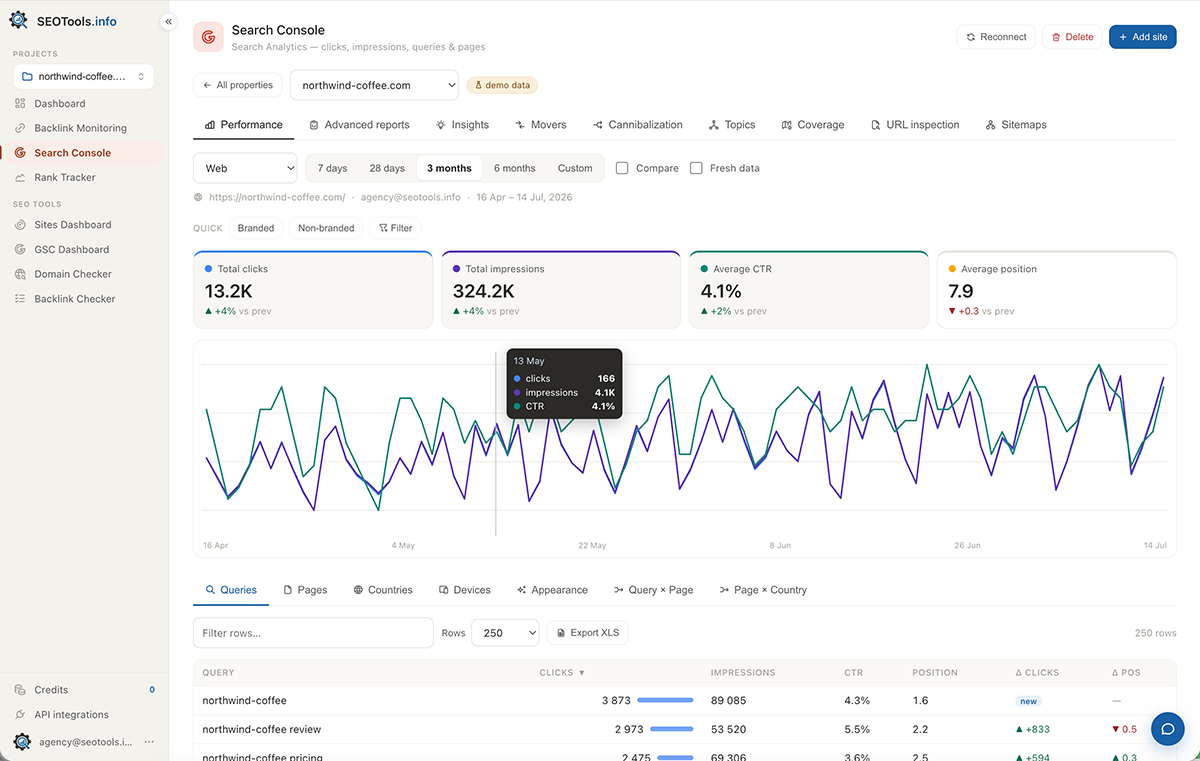
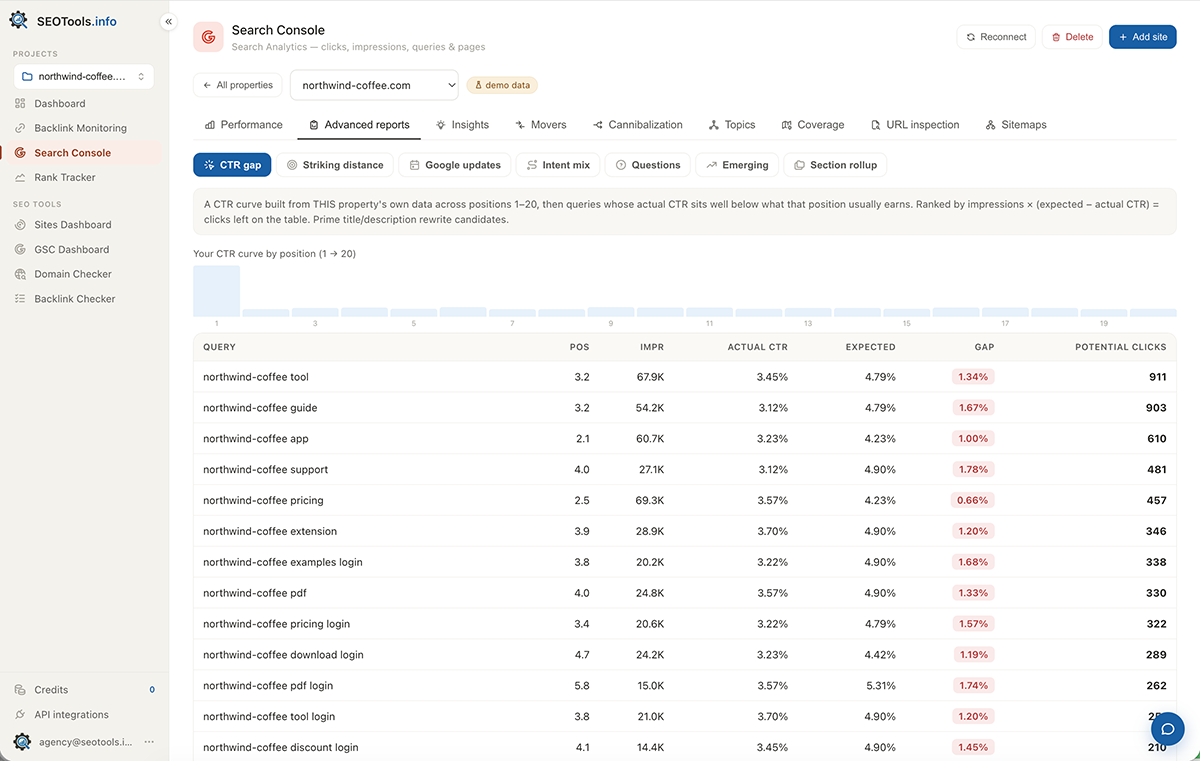
- Clicks, impressions, CTR and position by queries / pages / countries / devices / rich results; search types, custom ranges, period compare.
- You learn
- Where traffic comes from, where you grow and where you slipped — with a Δ on every row.
- Helps
- See the whole picture and export up to 10,000 rows to XLS.
Google Search Console without the clutter
A free tool that turns Google Search Console into a focused search console SEO view: clicks, impressions, top queries and pages for every connected site — side by side, no account-switching.
See the Search Console view in action
Two levels: from all sites to one
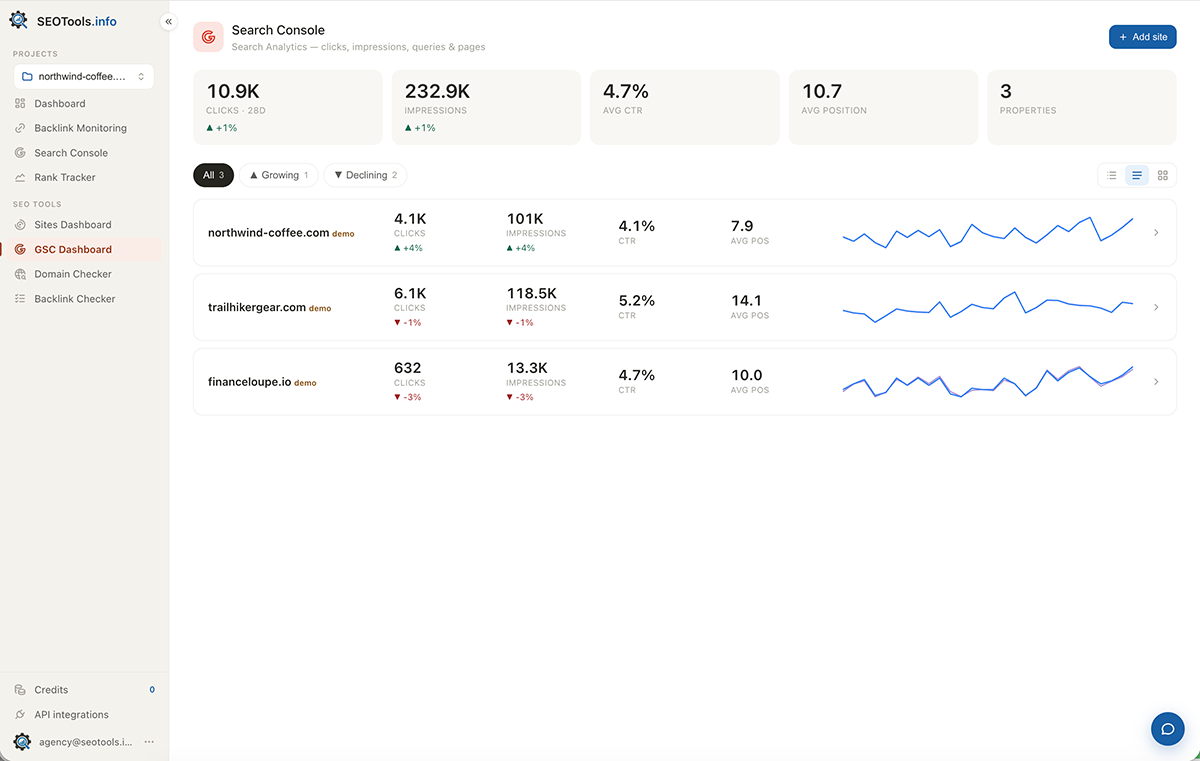
Land on a summary of every property, see who’s up and who’s down in seconds, then drill into a site. Each view is its own refresh-safe URL — reloading doesn’t kick you home, and links are shareable.
All-sites dashboard
Total clicks / impressions / CTR / position with a delta vs the previous period, and a tile per site with click & impression sparklines.
Site page
Eight tabs — Performance, Insights, Movers, Cannibalization, Topics, Coverage, URL inspection, Sitemaps — each with its own URL.
Eight search console SEO tools on one page
Each answers a concrete question: what it shows, what you learn and how it helps.
- Shows
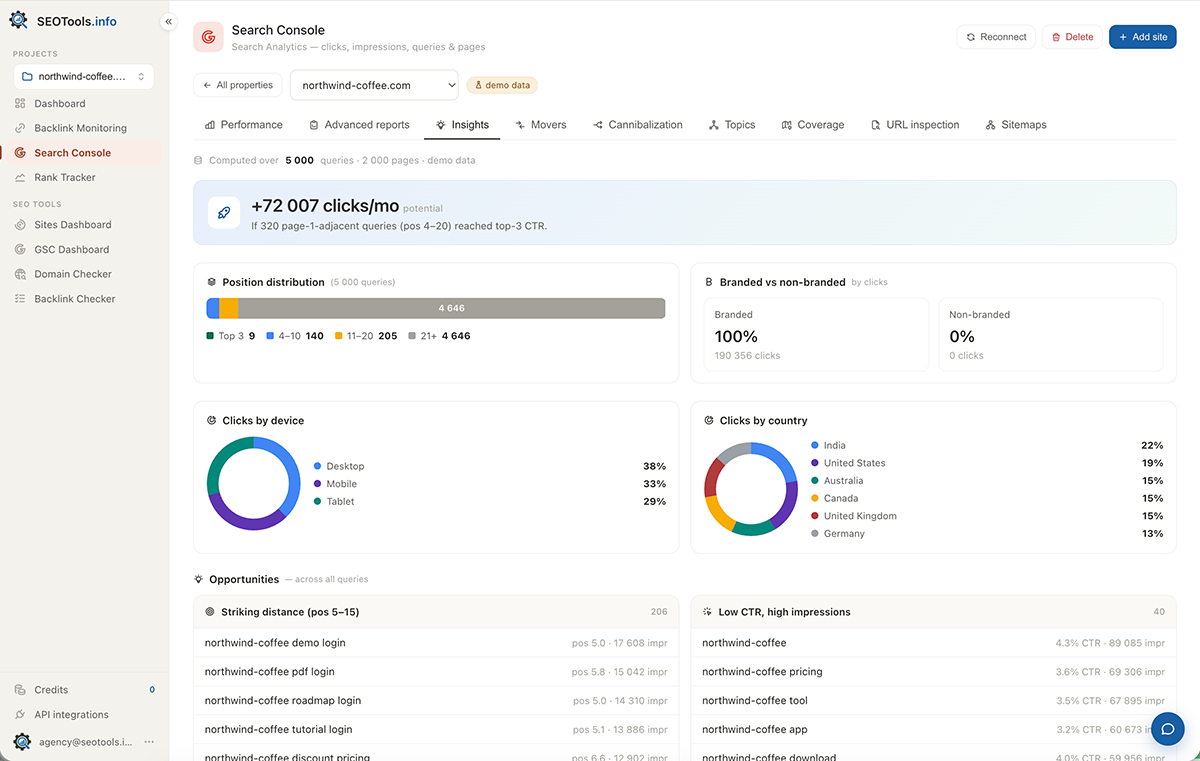
- Position distribution, branded vs non-branded, donuts, a traffic forecast and Opportunities — over all queries, not just the top 250.
- Helps
- A ready to-do list: what to push, where to rewrite a title, what to fix now.
- Shows
- Lost, new, rising and falling queries or pages vs the previous period.
- Helps
- Catch content decay and traffic loss before it shows up in reports.
- Shows
- Queries where 2+ of your URLs rank at once.
- Helps
- Remove internal competition — which page to strengthen, which to merge.
- Shows
- Query clusters by keyword (works with Cyrillic too) with per-topic aggregates.
- Helps
- Look at traffic by direction instead of drowning in thousands of individual queries.
- Shows
- sitemap.xml reconciled against pages that actually get impressions.
- Helps
- Clean up dead URLs and stop losing important pages left out of the map.
- Shows
- Indexation, coverage, robots, crawl date, canonical, mobile and rich results.
- Helps
- Quickly see why a page isn’t indexed or ranks oddly.
- Shows
- Your sitemaps with status and Discovered / Indexed counts.
- Helps
- Submit / delete sitemaps from the UI (needs full Google access).
Why it’s fast — and lives past 16 months
Google Search Console keeps data for only 16 months and rate-limits its API. We pull the data into our own store — so dashboards are instant, history accrues, and API load drops.
Your own data warehouse
A daily background sync stores daily totals and top queries/pages in your DB. History grows past Google’s 16-month window.
Cache + parallelism
A persistent response cache in the DB and parallel calls to GSC — a report is assembled from ~14 requests at once, not one after another.
Connect with a picker
Sign in with your official Google account, then pick exactly which Search Console properties to add. Stored as “hidden sites” so they don’t clutter the Sites Panel.
Reconnect & read-only
We detect read-only tokens and prompt a reconnect to enable sitemap management.
Property management
Add, reconnect and delete with confirmation — each connection stands on its own.
Export without a ceiling
Full lists and XLS export where the GSC interface caps the output.
Five reasons this free tool beats raw GSC
Start using Google Search Console today
Connect your Google Search Console and get a free tool for search console SEO — creating an account takes under a minute.
Get started — it’s free